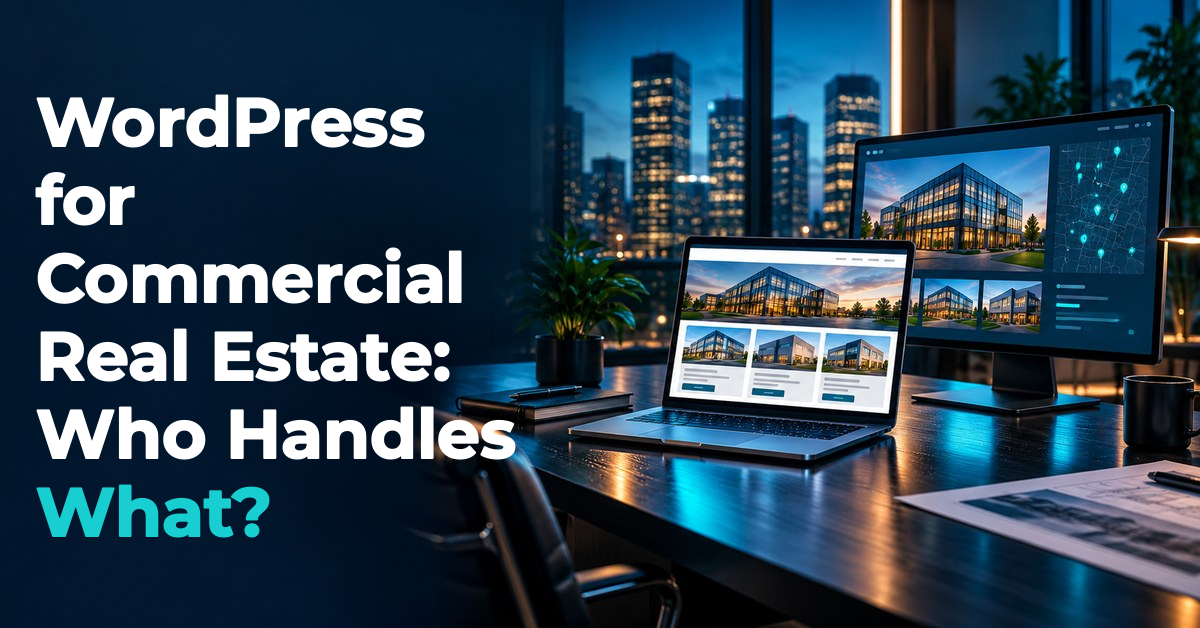
WordPress for commercial real estate can give your brokerage a useful, editable website when someone owns the hosting, updates, backups, and plugin work behind it.
The important question is whether those jobs fit your team and your support agreement.
You want to change a broker profile or publish a property update without becoming the office computer department.
I create commercial real estate websites, and I recommend deciding who keeps the site working before deciding how the homepage should look.
A beautiful design still needs a place to run, a way to recover, and a person who answers when something stops working.
This article covers a WordPress site running on hosting arranged by your business or website provider, rather than assuming any particular hosted plan includes these services.
I’ll walk through seven responsibility checks you can use with a designer, hosting company, or maintenance provider.
The goal is a practical operating plan that your brokerage can understand and use after launch.
WordPress needs a named website owner
WordPress is open-source publishing software, as the WordPress project explains, but the software itself is only part of a working business website.
Your design, content, hosting service, domain registration, and added features need their own decisions and responsible people.
I suggest naming one person inside the brokerage who can approve changes and reach every outside provider.
That person does not need to write code, but they do need to know which company handles each job.
Think of that role as the point of contact for the building, rather than the person repairing every pipe.
Put the domain registrar, host, website designer, and maintenance contact in a short ownership record.
Record the account owner, renewal contact, billing contact, and support route without putting passwords into a shared planning document.
A company-controlled recovery email makes more sense than relying on the personal inbox of someone who may leave.
Ask what access your brokerage receives and what materials can move if the support arrangement ends.
Custom design files, licensed assets, and third-party subscriptions may have different transfer terms, so get the actual agreement.
Do not treat the phrase ‘you own your website’ as a complete answer to every access question.
You need to know who can approve a domain change, retrieve a backup, or authorize another developer to help.
For a small brokerage, the same person may cover several roles, provided those roles are clearly assigned.
If you want a website proposal you can compare against these duties, request my Website Design Price List and ask which ongoing responsibilities belong to your team.
Hosting support needs a clear boundary
Hosting provides the environment where your website runs, while WordPress provides the software used to manage its content.
Buying one does not tell you what support comes with the other.
A hosting plan might include backups or certain update services, but your specific plan determines the actual coverage.
I would ask for written answers about what happens when a page stops loading or an inquiry fails.
Does support investigate the website itself, or only confirm that the hosting service is available?
Who checks a certificate problem, a storage limit, or a failure after a plugin update?
Those questions help reveal whether the designer and host expect the other company to take the first call.
Pick one first contact for website incidents and agree on how that person involves the other providers.
Also separate website hosting from business email, because your arrangements may put them with different companies.
Before any hosting move, have the responsible provider identify the records needed to keep your email working.
Your brokerage should not discover that dependency after a launch-day change.
Write down the available support hours and the difference between acknowledging a request and fixing a problem.
A promise to reply is not the same as a promise to restore a broken listing page within that period.
For example, a brochure download that fails on a weekend needs a known reporting route, even if the contract only offers weekday service.
Choose the service level with that limitation in mind instead of assuming round-the-clock repair is included.
Keep renewal notices visible to the business owner so that a missed billing email does not become a website emergency.
Maintenance includes checks after updates
WordPress maintenance should describe what gets updated, who performs the work, and how the result is checked.
Core software, themes, and plugins are separate parts of the site, so a plan should address each one.
The official WordPress update guidance recommends backing up before an update.
I would make that preparation part of the maintenance agreement rather than a detail remembered only after trouble starts.
Ask who decides whether a change needs a test copy of the site before it reaches the public version.
A small text correction and a major change to the page-building software do not carry the same risk.
The provider should explain which changes can run automatically and which deserve a planned review.
Automatic updates are useful work aids, but I would still assign a person to notice and handle failures.
After changes, check a short set of business tasks rather than only looking at the homepage.
Open a current property, follow its brochure link, and submit a clearly labeled test inquiry with no sensitive information.
Confirm receipt with the intended person, because a success message alone does not prove the inquiry reached the right inbox.
Repeat the important checks on a phone and make sure the contact route remains easy to use.
Keep a dated note of what changed, what was tested, and what still needs attention.
The brokerage can then distinguish a completed maintenance visit from a list of available updates.
Ask how urgent fixes enter the work queue and who approves any extra work outside the regular service.
This is a practical maintenance routine, not a promise that any website will never break.
Plugins need purpose and renewal owners
Plugins add features to WordPress, but each added feature also needs someone to understand its role in your site.
For a CRE brokerage, that might mean a contact form, a brochure feature, or software connected to a listing display.
I would begin with the business need and ask the designer which component meets it.
Do not start with a shopping list of plugins just because another brokerage uses them.
Keep an inventory that names each plugin, its purpose, the person who supports it, and any renewal responsibility.
Note whether the license belongs to your business or comes through a provider’s account.
If you leave that provider, ask whether the site keeps the same features and what replacement license may be needed.
The answer depends on the actual product and agreement, so avoid guessing from the word ‘included.’
Also ask what happens when a plugin is no longer suitable or its developer stops supporting your required setup.
Replacing it may involve moving content, rebuilding a layout, or changing how an inquiry is delivered.
A feature that works today still needs a reasonable exit plan.
For an external listing connection, identify who supports the WordPress component and who controls the outside data service.
This article is about assigning those responsibilities, rather than choosing a particular listing system or promising an integration.
Have the provider explain the dependency in plain language so a future support person can follow it.
Before removing anything, ask what content, settings, or public features depend on it.
I would rather have a short, documented set of useful components than a long list nobody can explain.

Backups need a proven recovery route
A backup deserves a more useful description than a checkbox marked ‘yes.’
The official WordPress backup documentation explains that a typical full recovery needs both the database and the site files.
The database and files hold different parts of the website, so confirm that the plan covers both.
Ask how often copies are made, where they are stored, and how long they remain available.
Then ask the question that matters during a bad afternoon: who restores the site?
A host may provide a restore tool while expecting your developer to decide which copy to use.
Your agreement should identify the decision maker, the person doing the restore, and any separate recovery charge.
Choose a backup schedule around the amount of recent work your business could tolerate losing.
A site that changes several times during the workday needs a different conversation from one updated occasionally.
Imagine publishing new availability after the last backup and then restoring that older copy.
The site may return, but someone still needs to reapply the verified changes made since that copy.
Keep enough change records to know which pages and documents require attention after recovery.
Ask the provider to demonstrate recovery in a safe test environment and record the result.
Opening a backup folder is not the same as showing that the website can run from its contents.
Also discuss a way to access recovery material if the normal hosting account becomes unavailable.
I would keep the recovery plan short enough that another authorized person could follow it when the usual contact is away.
Staff access should match each job
Content editing and technical administration are different jobs, even when the same person sometimes performs both.
WordPress uses roles and capabilities to control access, as its official permissions documentation describes.
A default Editor can manage published content, while an Administrator has broader control over a single site.
Custom roles, plugins, and network setups can change the details, so have the provider confirm your actual permissions.
I suggest giving each person an individual account suited to the work they are responsible for doing.
A broker updating a biography does not automatically need control over plugins or other user accounts.
Ask for a short training session using a draft page or other safe example.
The person should practice making an edit, previewing it, and finding the right contact when something looks wrong.
Decide which changes staff may publish and which need approval from the website owner.
For example, correcting a verified phone number is different from changing a property’s stated availability without approval.
Keep the source of each property change clear so website staff are not asked to guess business facts.
When someone leaves, include website access and account recovery contacts in the departure checklist.
Ask the administrator to remove unnecessary access and handle any content assignments that need to remain with the business.
The same review should apply when an outside contractor finishes a short project.
If you want help planning what staff will publish after training, my Free Marketing Resources offer CRE marketing materials to explore.
They are a content resource, while your provider remains responsible for teaching the controls used by your particular website.
If you prefer seeing ideas explained on screen, explore my Helpful Video Walkthroughs and Tools alongside your site-specific training.

A handoff should prove the support plan
Before accepting the handoff, walk through a realistic support situation with the people named in the agreement.
Suppose an inquiry stops reaching the leasing team after a website change.
Who gets the report, who checks the form, and who follows the message through to its destination?
Ask how the issue is recorded and how you will know it has been resolved.
Then try a second situation in which the site needs an older backup restored.
The provider should be able to explain the approvals, recovery steps, and likely loss of recent edits without relying on vague reassurance.
You are checking whether the service has a usable operating plan, rather than asking anyone to guarantee perfect uptime.
I would keep the final handoff record focused on decisions your brokerage can act on.
It should name the account owners, support contacts, renewal duties, update routine, backup arrangement, and recovery authority.
It should also explain what the monthly service excludes and how additional work is approved.
Agree on where this record lives and who updates it when a provider or staff member changes.
WordPress can be a sensible fit when your team wants editable content and has reliable coverage for these technical duties.
If no one wants to coordinate maintenance, evaluate a service arrangement that explicitly handles it before choosing the platform.
You do not need to become a developer to make a good decision.
You need clear answers about who does the work when the website needs attention.
For a new site or a clearer replacement arrangement, request my Website Design Price List and bring this responsibility checklist to the scope discussion.
WordPress responsibility questions answered
Is WordPress for commercial real estate a good fit for a small brokerage?
It can be a good fit when the brokerage needs editable content and has someone assigned to hosting, updates, backups, and support.
Does WordPress include website hosting?
The WordPress software discussed here is separate from your hosting arrangement, so confirm which hosting and support services your chosen provider supplies.
Who should update WordPress plugins?
Assign plugin updates to the person or provider responsible for technical maintenance, and include preparation, checks, and recovery duties in that agreement.
What should a WordPress backup include?
A typical full-site recovery needs both the database and website files, along with an authorized person who can restore them.
Does every broker need administrator access?
Give each broker access suited to their actual tasks, and have the provider confirm the permissions needed for the website’s particular content setup.